How to Translate Sims 4 Mods?
Translating mods is easy and requires no programming skills.
Follow these steps to localize any mod using Frankk’s Online STBL Studio
1. Setup
With “UPLOAD WORKSPACE” you can open your existing translation projects (if you have saved any previously).
So this isn’t relevant to you if you haven’t worked with it before.
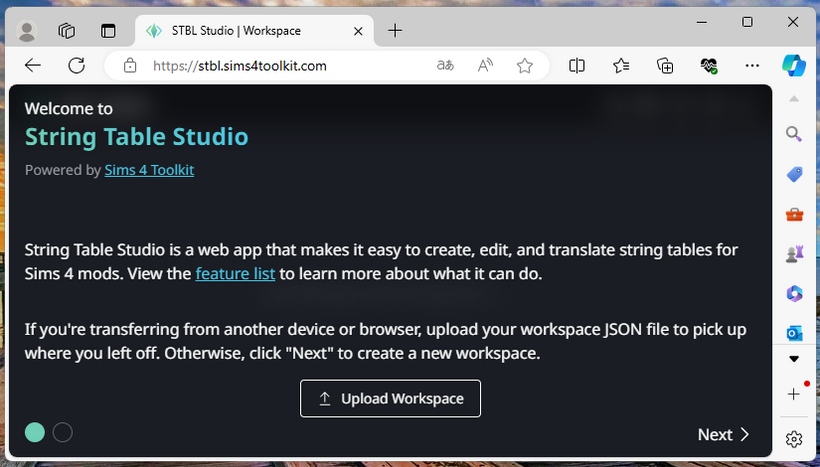
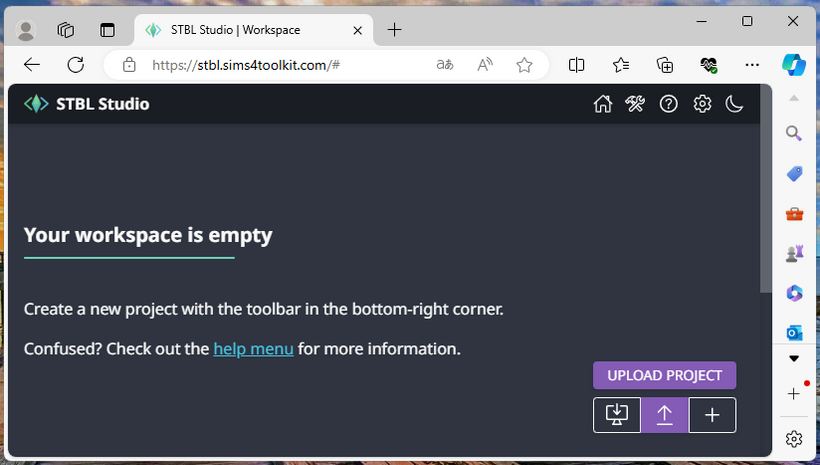
If you’ve never worked with this before, click “NEXT”, then “UPLOAD PROJECT” and select your .package file.
Then select the package file that contains the strings you want to translate:
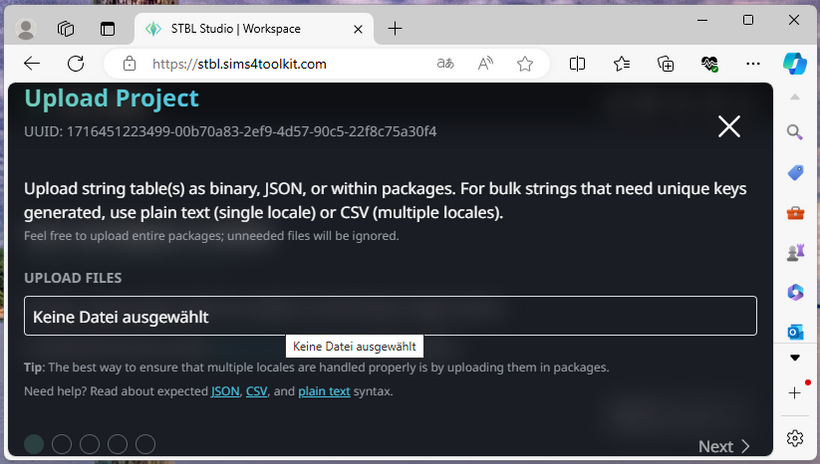
Click on “NEXT” again.
Some mods have multiple package files. You should check all of them to see if they contain strings.
Not all package files contain strings, but a mod may have multiple strings packages.
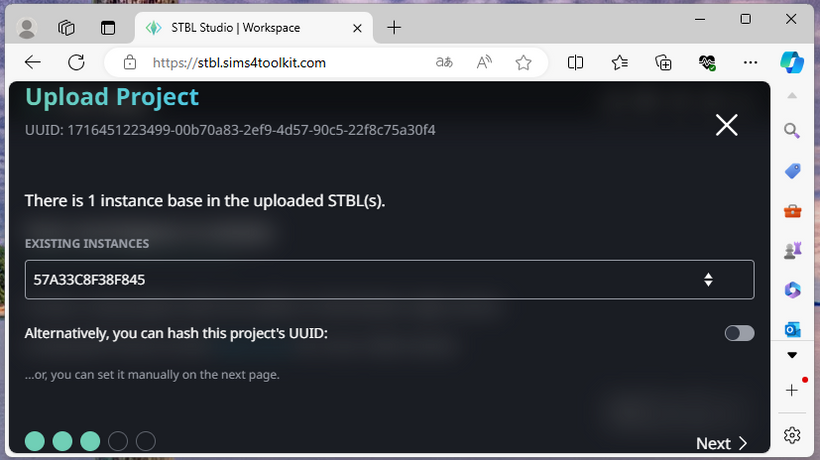
Click on “NEXT” again.
2. Configure
Give your project any name you want (“PROJECT NAME”). Do not change “GROUP”, “INSTANCE”, or “PRIMARY LOCALE”.
The project name is just for you, so that you know later which project this is.
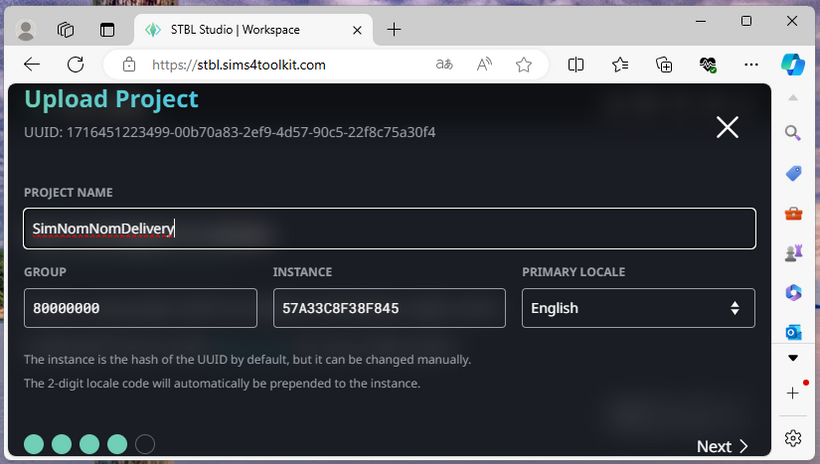
Click on “NEXT” again.
Select your target language and click “CREATE”.
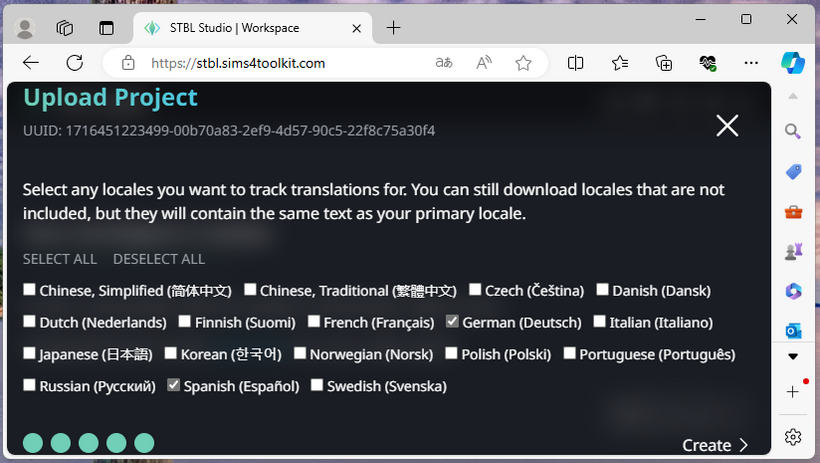
3. Translate
Your translation project is created! You can now start translating:
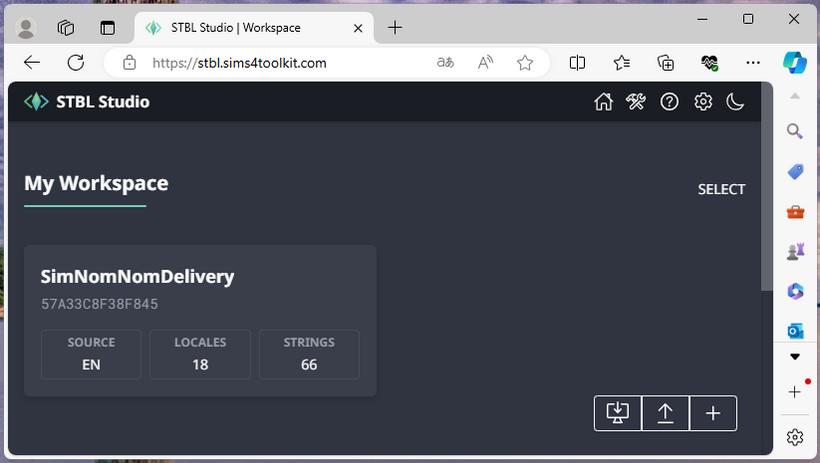
Use the “Translate” menu to enter your text.
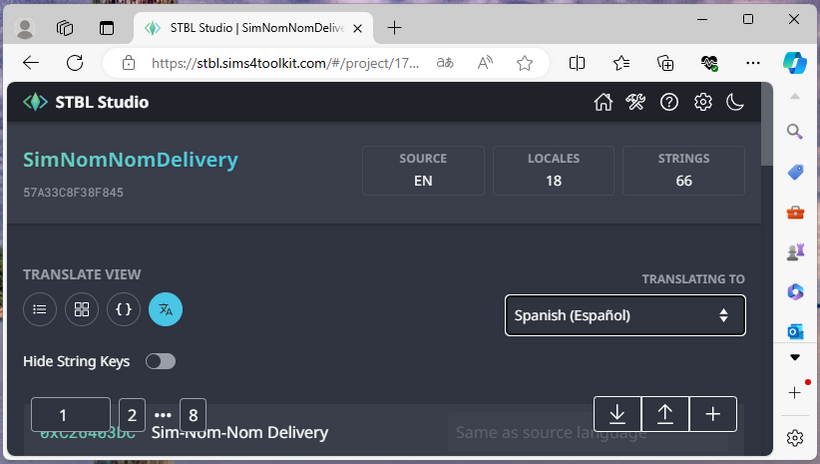
4. Export
Translate the strings and download the package file:
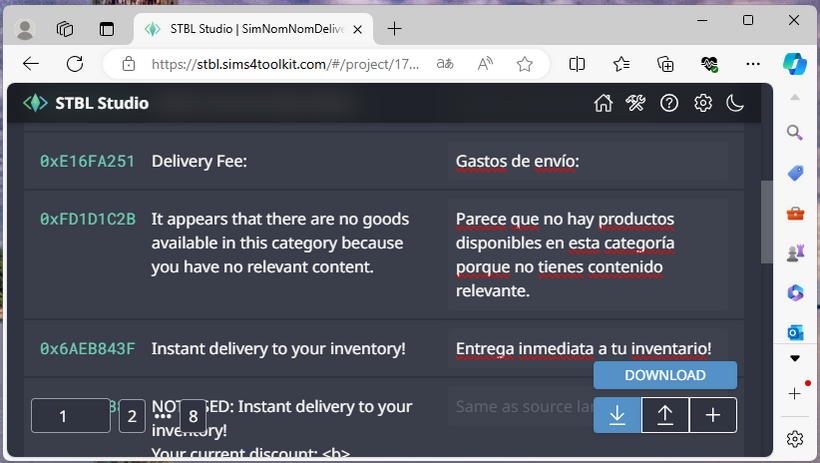
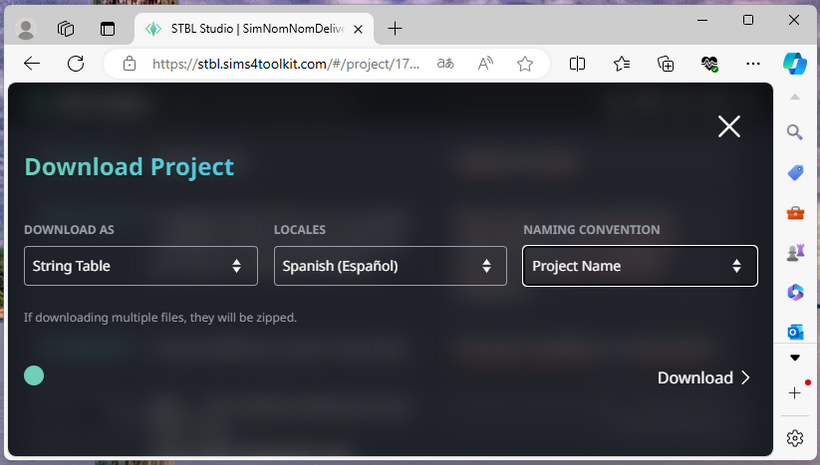
Select “DOWNLOAD AS STRING TABLE” and the language (“LOCALES”) you translated into.
Please do not change the “NAMING CONVENTION” parameter.
Then click “DOWNLOAD”:
5. Share
Consider sending the finished file to the mod creator via Discord or their website to help the community!